About this project
ClickUp is an all-in-one productivity and project management platform. It combines all the context needed (such as tasks, messages/chats, documents, and more) into one place.
This exercise aims to transform a fragmented help article for ClickUp's Planner into a modular, user-centered documentation set. The original article mixes setup tasks, feature overviews, and unrelated navigation steps into a single linear page, causing friction for users trying to accomplish specific goals.
By restructuring the content into standalone, DITA-compliant topic types, users can access clear, self-contained answers regardless of how or where they enter the documentation ecosystem.
The Problem
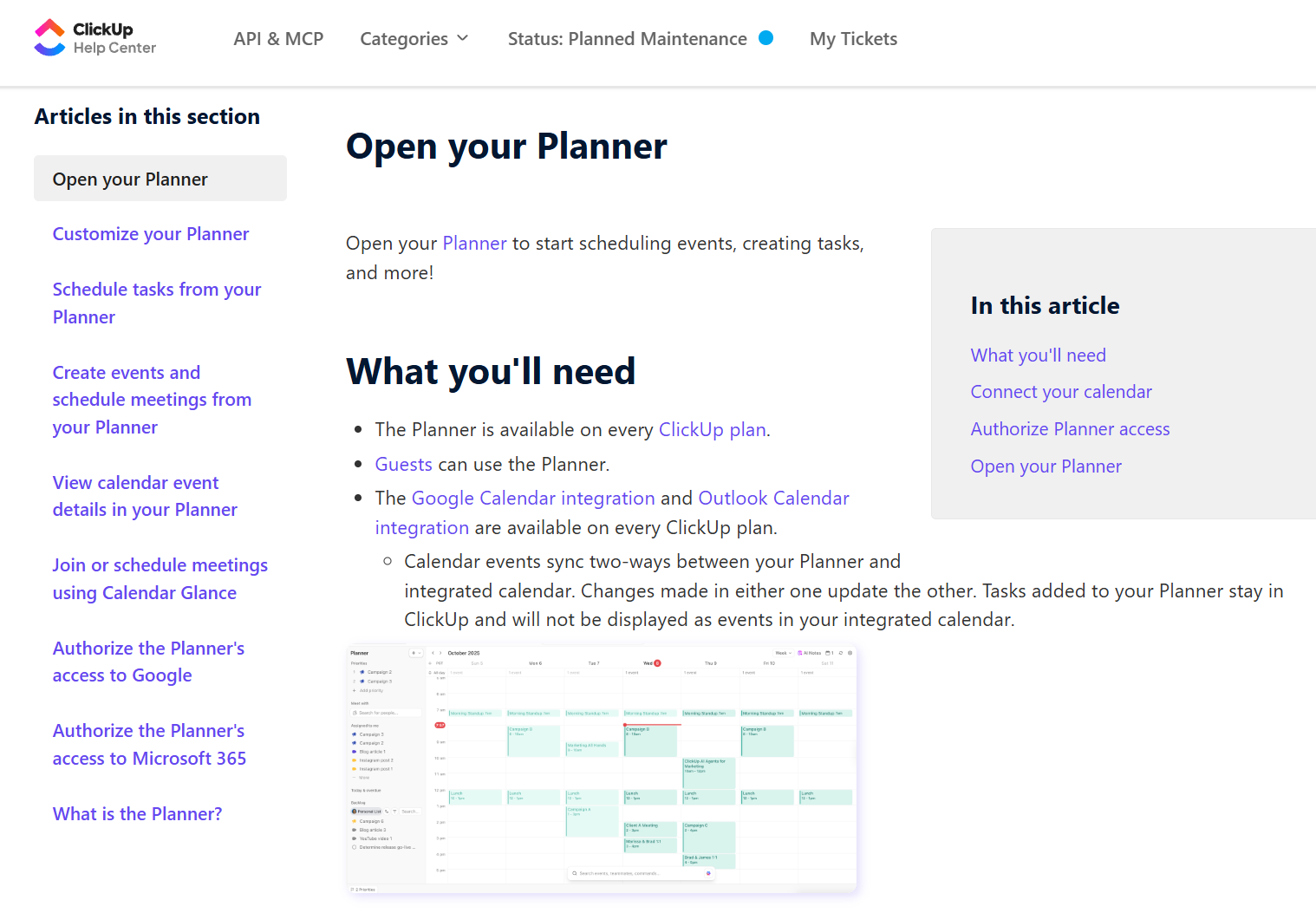
The primary issue with the original help article is misaligned user intent. The title of the help article is “Open your planner” but the sections/topics within this page talk about connecting and authorizing your calendars from other platforms like Google and Outlook.
Issues at a quick glance:
- Misaligned title: The article is titled "Open your Planner", but almost the entire article is about connecting external Google and Outlook calendars.
- Missing the "why": It jumps straight into providing users with steps, like requesting Microsoft or Google admin approvals, without ever explaining the goal or benefit of it.
- No clear user goal: If users aren't sure why they're doing something or what the benefit is, they will most likely skip it entirely.
- Unstructured content: Explains general actions in bullet points instead of providing step-by-step instructions, forcing users to click through scattered links or search for other articles.
Additionally, the information architecture is inverted. They have a “What is a planner?” help article placed at the bottom of the left navigation.
The Solution
To resolve these issues, I analyzed the original Open your Planner help article alongside its related articles to map out the true technical workflow. From there, I decomposed the content into a DITA topic map consisting of self-contained, single-purpose topics that follow task-oriented technical writing best practices.
- Audience and user intent first: The first step to any content workflow should be to have a clear purpose or user goal, as well as a good understanding for who we're writing for.
- Content audit and separation: Evaluating existing content across the main and related help articles to pull apart tangled information and sort it into distinct DITA topic types: concepts (what and why), tasks (how-to steps), and references (quick lookups).
- IA and topic mapping: Designing a restructured DITA topic map that replaces the original article with a logical hierarchy of self-contained, standalone articles.
- Task-oriented rewriting: Rewriting the topics with front-loaded prerequisites (like IT admin approvals), imperative steps, and clear visual navigation to ensure users can complete tasks without hitting dead ends.
